Help Center/Creator Collaborator
Creator Collaborator Tutorial
Connecting and collaborating with other creators — your mailbox, sending invites, and tracking meetings.
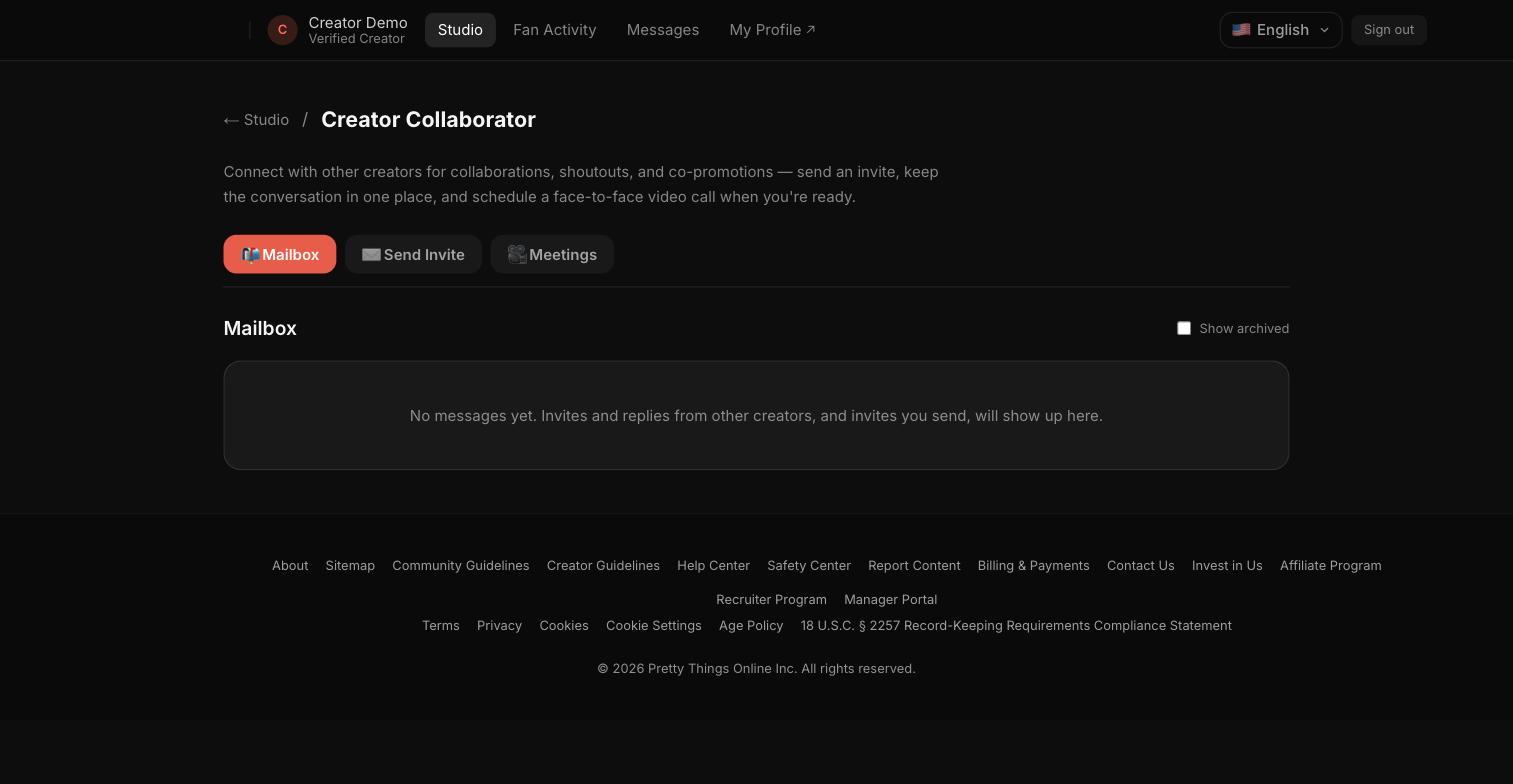
Step 1 — Mailbox
The Mailbox tab holds conversation threads with other creators you're connecting or collaborating with.
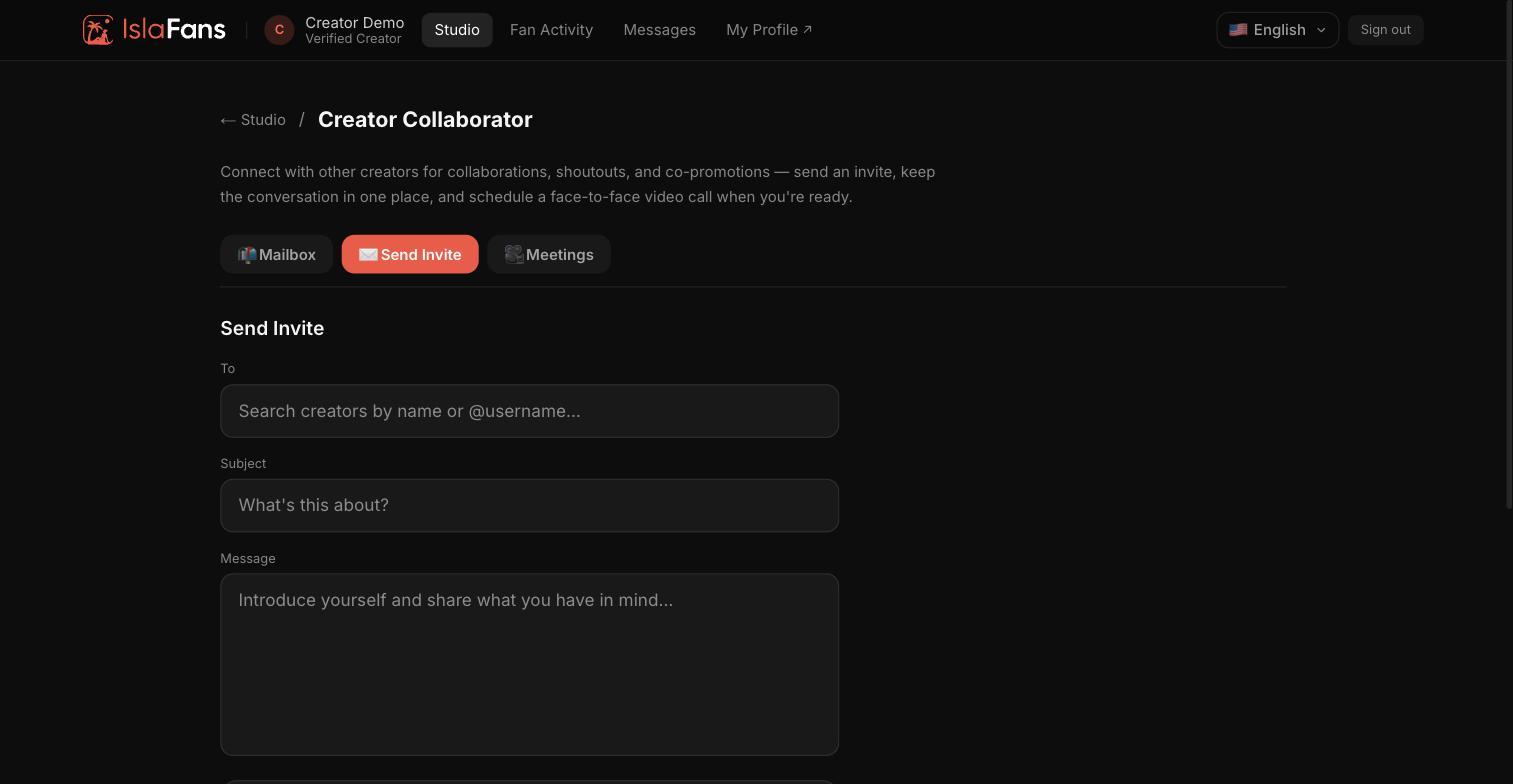
Step 2 — Send an invite
Use the Send Invite tab to reach out to another creator and propose a collaboration.
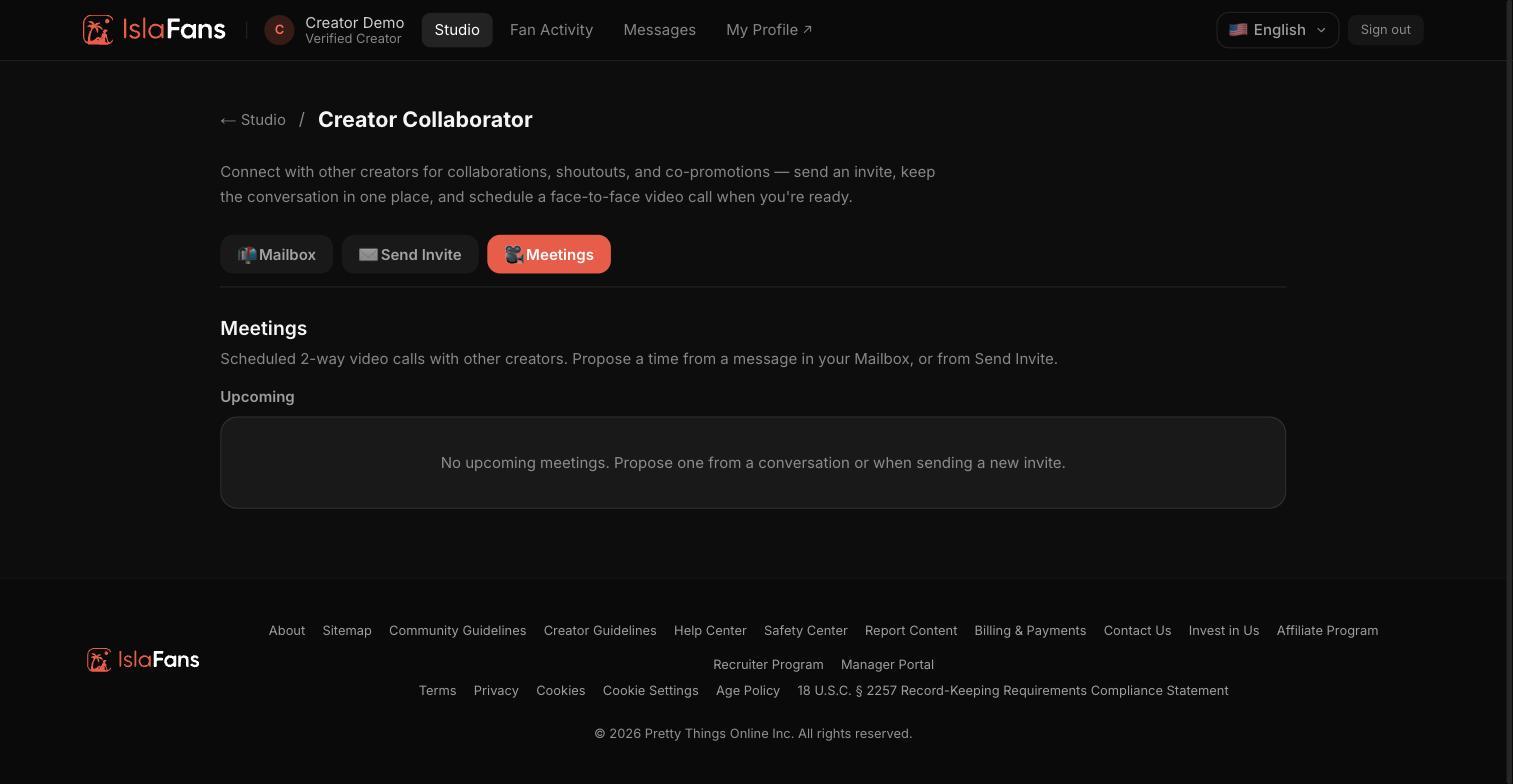
Step 3 — Meetings
The Meetings tab tracks upcoming and past meetings scheduled with other creators.
Notes
- A meeting can be proposed directly from a Mailbox thread once a conversation with another creator is underway.